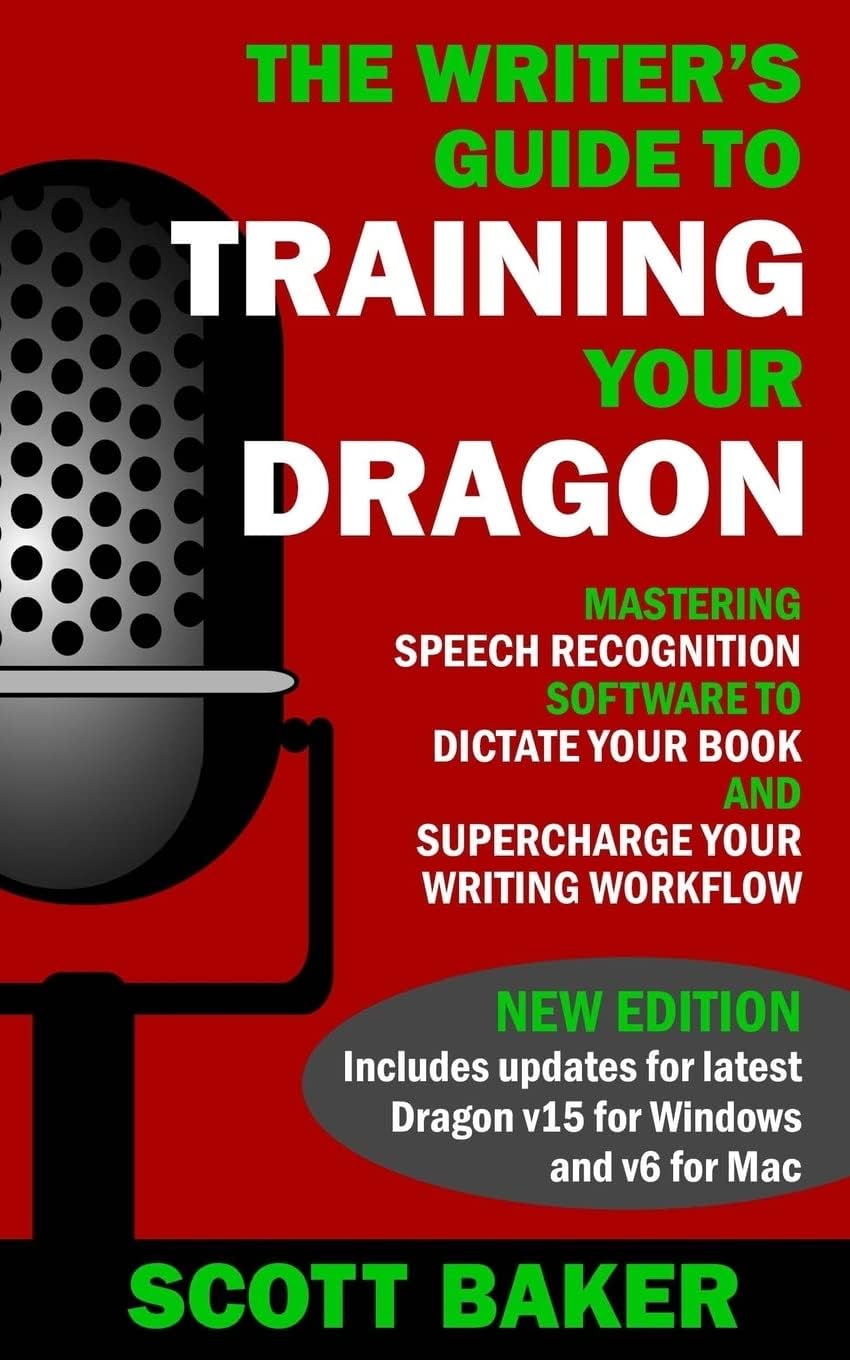
The Writer's Guide to Training Your Dragon: Using Speech Recognition Software to Dictate Your Book and Supercharge Your Writing Workflow (Dictation Mastery for PC and Mac)
Product ID: 35252157
Desertcart purchases this item on your behalf and handles shipping, customs, and support to Chile.
Want to dictate up to 5000 WORDS an hour? Want to do it with 99% ACCURACY from the day you start? NEW EDITION: REVISED and UPDATED to cover the latest Dragon Professional Individual v15 for PC and v6 for Mac FREE video training included! As writers, we all know what an incredible tool dictation software can be. It enables us to write faster and avoid the dangers of RSI and a sedentary lifestyle. But many of us give up on dictating when we find we can't get the accuracy we need to be truly productive. This book changes all of that. With almost two decades of using Dragon software under his belt and a wealth of insider knowledge from within the dictation industry, Scott Baker will reveal how to supercharge your writing and achieve sky-high recognition accuracy from the moment you start using the software. You will learn: - Hidden tricks to use when installing Dragon NaturallySpeaking on a Windows PC or Dragon Dictate for Mac; - How to choose the right microphone and set it up perfectly for speech recognition; - The little-known techniques that will ensure around 99% accuracy from your first install – and how to make this even better over time; - Setting up fail-safe dictation profiles with multiple microphones and voice recorders, without impacting your accuracy; - How to train the software to adapt to both your voice AND writing style and avoid your accuracy declining; - Strategies for achieving your entire daily word count in just one or two hours; - Many more tips and tricks you won't find anywhere else. At the end of the book, you'll also find an exclusive list of resources and links to FREE video training to take your knowledge even further. It's time to write at the speed of speech – and transform your writing workflow forever! Review: Good book about Dragon dictation software - This book gives some good advice for using the Dragon dictation software. It assumes that you are going to use it to dictate a book, but it also works well for data entry. This book recommends against the home version of Dragon because it lacks the ability to transcribe a recording. However, I have no desire to make a recording for later transcription, so the home version works fine for me. The dictation feature built into Windows 10 has a major bug in that it about 7 times out of 8 interprets the words new line as the literal words "new line" rather than going to the next line. Dragon does not have this problem. This book states that microphone volume should be set to 80% for good microphones, but the Snowball Blue Ice microphone recommended by the book has very low volume when making a recording with Audacity or Windows Voice Recorder unless you set the volume to 100% and place your mouth 4 finger widths away from the Microphone. A headset that I have does have to have the microphone volume set to 80% to avoid clipping. Review: Good book for learning how to write, save time, and produce results. Primarily aimed at writers of larger articles and books. - The book was very interesting, but I expected to see more about the program than was in the book. From the content of the book, it is written mostly for article/book writers and gives a lot of insight into what you need to do as a writer and how this program (Dragon) will help you to save time and achieve great results. I am not a great writer, but the book did help me see what needs to be done to use the program to be one.
| Best Sellers Rank | #266,849 in Books ( See Top 100 in Books ) #553 in Writing Skill Reference (Books) #667 in Fiction Writing Reference (Books) |
| Customer Reviews | 4.2 out of 5 stars 883 Reviews |
A**R
Good book about Dragon dictation software
This book gives some good advice for using the Dragon dictation software. It assumes that you are going to use it to dictate a book, but it also works well for data entry. This book recommends against the home version of Dragon because it lacks the ability to transcribe a recording. However, I have no desire to make a recording for later transcription, so the home version works fine for me. The dictation feature built into Windows 10 has a major bug in that it about 7 times out of 8 interprets the words new line as the literal words "new line" rather than going to the next line. Dragon does not have this problem. This book states that microphone volume should be set to 80% for good microphones, but the Snowball Blue Ice microphone recommended by the book has very low volume when making a recording with Audacity or Windows Voice Recorder unless you set the volume to 100% and place your mouth 4 finger widths away from the Microphone. A headset that I have does have to have the microphone volume set to 80% to avoid clipping.
K**R
Good book for learning how to write, save time, and produce results. Primarily aimed at writers of larger articles and books.
The book was very interesting, but I expected to see more about the program than was in the book. From the content of the book, it is written mostly for article/book writers and gives a lot of insight into what you need to do as a writer and how this program (Dragon) will help you to save time and achieve great results. I am not a great writer, but the book did help me see what needs to be done to use the program to be one.
J**N
Useful points.
This is a very thorough treatment of getting started with dictation. Straight and to the point. Technically inclined users may find they skip around as some of the advice is for less technical users. Just about anyone should be able to get started with this, even your grandma, or your average Luddite. Also some good advice about raining Dragon to learn your vocabulary, and also to be realistic in your expectations. Honestly I have been blown away how accurate it can be when dictating my novels. But you always need to train it up for story specific vocabulary and character names.
S**1
Taming Your Dragon is Excellent!
I have been playing around with Dragon Naturally Speaking for about 20 years. Yes, "playing around" is a fairly accurate description of the relationship that I have had with the Dragon. It's been a frustrating "on again - off again" experience. Up until recent years, affordable hardware was just not good enough to support Dragon's needs. Well, that is what I thought. This book presented a paradigm shift in what to expect from Dragon. The author provided two key points that I had never really considered regarding how to use Dragon. First, his advice to writers is to focus on getting the draft written. It's about word count and not formatting. Second, unless you have physical limitations that require you to use Dragon to control your computer keep the use of commands to the absolute minimum. Again, this is about writers and the need to focus on getting their drafts written. The author recommends not even using the DragonPad for dictation. He explains that using a basic text editor like the Windows Notepad works better for dictating a draft as it does not allow formatting. Thus, Dragon will focus on creating words from the dictation and not get confused with formatting commands. This is a great approach. The author provides tips on how to work-around Dragon's problems regarding special or hard to pronounce words. For example: use a simple word to describe a difficult name or phrase and then use search and replace to fix things up during the editing period of the draft. Regarding editing of the draft, the author recommends not using Dragon at all. Instead, he recommends using the standard keyboard and mouse approach to clean up the draft. The author, also, provides some nice insight into how to expand the time that you can dictate by using either your smartphone or dictaphone. Again, this is where technology is finally capable of enough to support transcription by Dragon. I haven't tried this yet, but I am definitely looking forward to giving this a try. All in all, while the book is short, it does provide some great information to get started on the right foot with Dragon or help you develop a reasonable expectation about Dragon's capabilities. BTW, he covers both the Windows and Mac versions about what works and doesn't and any differences in how to use on the two platforms. I found this book quite helpful and highly recommend it to those who want to get their words captured into text without having to type them.
S**E
Good takeaways
Dictation is not natural. It's dang difficult to master. The book is helpful for getting beyond that. I liked the emphasis on the absolute necessity of a high quality cardiod mic. The author is a book dictating author and has years of experience in his bag of tricks. The mic's discussed are in the >$100's. It's a matter of GIGO fidelity. Dictation process repeatability is the major focus. The importance of specific mic position, speech cadence and voice pattern AI learning begins to make sense. It all helps from the beginning. On the other hand, the book has not been specifically updated for new releases other than a word here and there that is not operationally helpful. It's generic Dragon dictation. The books construct reveals an original book designed to be author easy edited and re-issued to now Dragon 15. A deep dive into the nuances of the revisions is mention only. The value of the book is in helping the user develop dictation methodology. To uncover current revision nuances, look elsewhere. Very quick read. Helpful.
B**E
Very helpful
Overall I found this book quite helpful. I wish I had read it before I started using Dragon as I did not have the best microphone, and might have to start a new profile. I would have liked the author to discuss how best to use "add new word or phrase" and "add new auto-text" as there is overlap, and I've found that Dragon does not do very good with even short phrases unless they are part of a command as an auto-text. However, in using commands you have to pause slightly before giving the command, otherwise Dragon doesn't recognize them, or just prints the command words. As well, I have trouble with Dragon not always following the formatting rules set up in the program, and wonder if others have the same problem. In addition, it would have been nice to have one or two pages dedicated to a "cheat sheet" with some useful but hard to find commands for formatting text, such as how to easily add "(s)" to the end of a word. Overall the book will save me time and improve my accuracy with Dragon
M**W
Useful & practical
A useful guide which helped me decide which version to purchase and to set up Parallels on my desktop to be able to run the non-Mac version. I have not been able to train my dragon anywhere to the levels the author has but at least I got the dictation software to work in a passible solution which I probably would not have managed without this book. NOTE: many authors claim they write much faster using dictation. I do not agree. Thne actual dictation is much faster but the correction time I need (even now that I have used it for 4 movels) ends up making the total time close to the amount it would have taken to type every word. But at least I spend less time tapping the keyboard which was the idea, and I spend a few hours walking while dictating rather than sitting around.
K**S
Very Informative
In this fact- and opinion-filled book, the author provides considerable detail about software (including Dragon’s various Mac versions) and such hardware as computers and mics. I recommend this book even though I take issue with some of the author’s positions. For example, he advises his readers to “steer clear” of wireless headsets and he bolsters his position by stating, “There are some very good quality wireless headphones out there, but they tend to cost a fortune and you would be likely to get equally good, if not better, quality from a wired microphone costing a tenth of the price.” Let’s examine that claim. Baker recommends the Blue Snowball Ice wired microphone that currently sells for $49 on Amazon. This is hardly a tenth of the price of the Jabra 930 Pro UC wireless headset that works fine with Dragon and is currently available for about $120. On the whole, though, Baker’s book is filled with useful information and tips on dictating with Dragon. As icing on the cake, there is a link that provides free access to Baker’s training videos. I have authored a Kindle e-book, "Dragon NaturallySpeaking 13 and Professional Individual Handbook for Writers" that I suggest provides additional information and tips on the operational aspects of Dragon, along with software and accessory reviews.
大**ィ
Great guide!
This book was what eventually convinced me to try Dragon. I'm a slow writer, sitting at 20-30 wpm, so the speed gain alone is worth it. Walking outside with a dictaphone is also great for me, as I, too, suffer from the damage a disc herniation caused some years ago. This book was a great guide, helped me decide to get a dictaphone and, to be honest, made the whole undertaking less is intimidating.
F**E
Thank you
He goes over everything you'd need to get the job done and get it done well when it comes to using Dragon.
C**D
I cannot thank Scott Baker enough!
Great book! Everyone who just bought Dragon should read it. You will avoid many hours of frustration by using Dragon well, right from the start. A must read!
R**A
Encouraging excellent book on Dictation
I have used dictation in the past but need to develop an ongoing habit of doing so. This book covers the use of Nuance’s Dictation software on Windows and Apple machine in great detail. It is pragmatic guide to using dictation to encourage mainly authors to increase their output dramatically. There are other Dictation softwares out there but the do not compare favorably with Nuance’s offering. The emphasis is on the adoption and use of the tool ...almost error free dictation to drive the creators word count and thereby improve their productivity. Well worth reading.
J**N
Es necesario saber que este libro está diseñado para los que quieren ser autores de otros libros
Anticipada más información de cómo se usanV vrias características del programa. Por ejemplo, como enseñar al programa de vocabulario único.
Trustpilot
1 month ago
1 week ago