


🚀 Elevate your Pi projects with pro-grade 8MP clarity — don’t get left behind!
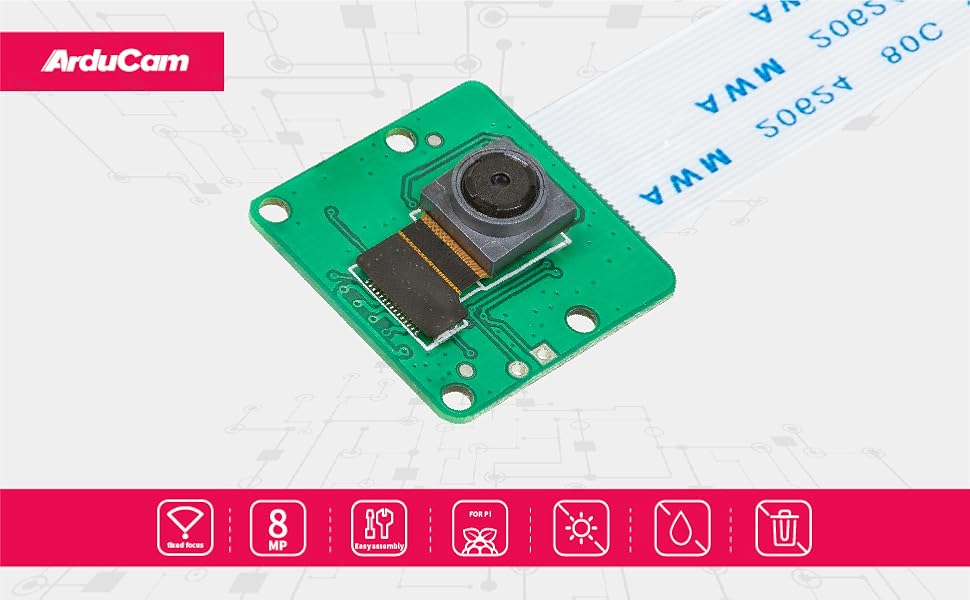
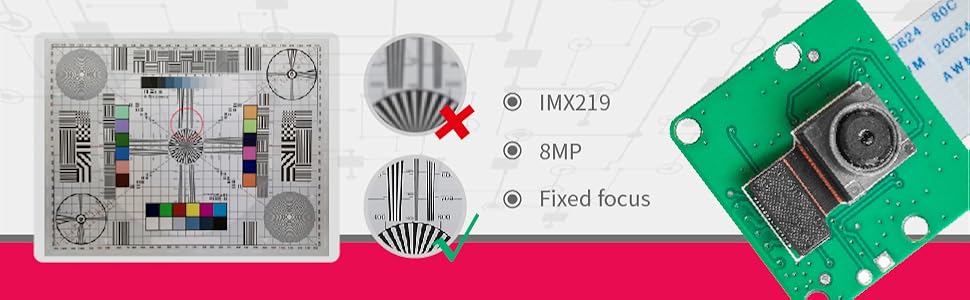
The Arducam 8 Megapixel IMX219 Camera Module is a high-resolution, fixed-focus camera designed specifically for Raspberry Pi models 5, 4, 3, Zero, and Zero 2W. It delivers superior image quality with 3280×2464 pixel stills and 1080P video, enhanced color accuracy, and improved low-light performance. The package includes multiple 15cm flexible cables tailored for different Pi models, ensuring easy installation. Compatible exclusively with the latest Raspberry Pi OS Bullseye and libcamera, this camera is ideal for advanced hobbyists and professionals seeking versatile, high-definition imaging for applications like time-lapse, security, and 3D printer monitoring.



| ASIN | B09V576TFN |
| Best Sellers Rank | #2,391 in Single Board Computers (Computers & Accessories) |
| Brand | Arducam |
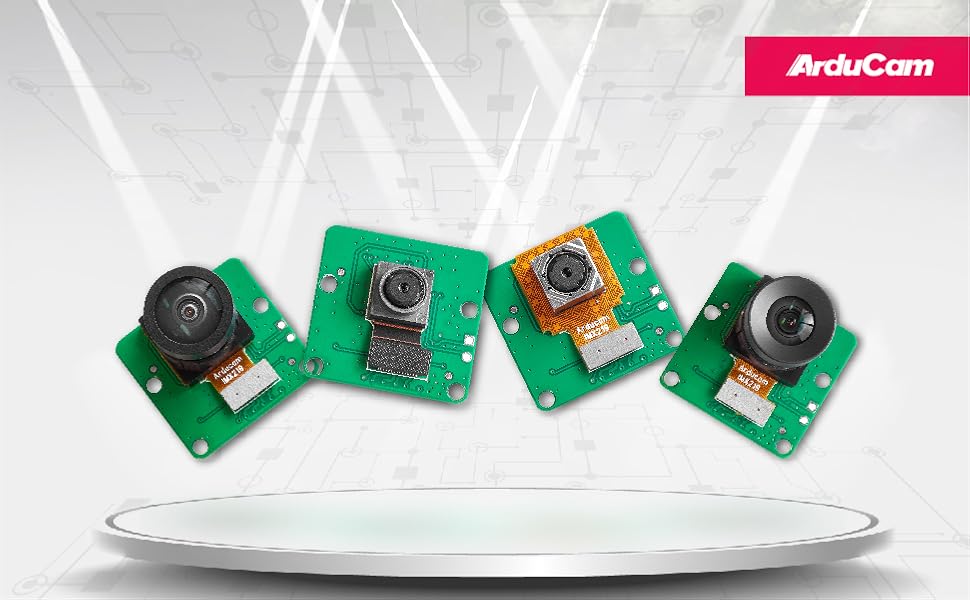
| Built-In Media | IMX219 Raspberry Pi Camera Module, 15cm original FFC cable, 15cm FPC cable for pi zero & w, and 15cm 15-22pin FPC cable for Raspberry Pi 3 and 4; 15cm 22-22pin FPC cable for Raspberry Pi 5, Zero and Zero 2W |
| CPU Manufacturer | Broadcom |
| Compatible Devices | Raspberry Pi 5, 4 Model B, 3/3B+, Zero, Zero 2W |
| Connectivity Technology | VGA |
| Customer Reviews | 3.7 out of 5 stars 46 Reviews |
| Included Components | IMX219 Raspberry Pi Camera Module, 15cm original FFC cable, 15cm FPC cable for pi zero & w, and 15cm 15-22pin FPC cable for Raspberry Pi 3 and 4; 15cm 22-22pin FPC cable for Raspberry Pi 5, Zero and Zero 2W Included Components IMX219 Raspberry Pi Camera Module, 15cm original FFC cable, 15cm FPC cable for pi zero & w, and 15cm 15-22pin FPC cable for Raspberry Pi 3 and 4; 15cm 22-22pin FPC cable for Raspberry Pi 5, Zero and Zero 2W See more |
| Manufacturer | Arducam |
| Model Name | Arducam |
| Operating System | Raspberry Pi OS |
| Processor Brand | Broadcom |
| Processor Count | 1 |
| RAM Memory Technology | LPDDR2 |
| Total Usb Ports | 4 |
| Warranty Description | 6 Months |
| Wireless Compability | Infrared |
A**S
What does this do?
I don't know what this is or what it does. But it was in my brother's wish list and I got it for him for a gift. He's some sort of engineer. Like... 2 engineers or something. Anyways, he loves it. If you are a techy or know a techy, you or they might like this. I asked him what it did and he explained it to me... but I'm an art major And I'm still lost. But he loves it so yeah, it's pretty great.
J**E
Works great, after hours of research
Great little camera, but I had to do a ton of research online. I installed it on a Pi 5, MIPI DSI 0. Not only had to monkey around with the /boot/firmware/config.txt a number of times, but also had to mess with a few different libraries/packages. It comes with two ribbon cables and on a Pi 5, the one you want is the narrow one on both ends. What irks me beyond reproach, is the fact that there is no standard for these camera manufacturers. Installing the ribbon goes one way for one, but the other way on another. And as far as the web goes, when trying to find out which way to insert the ribbon, you'll find it described both ways at a number of sites. It's quite frustrating. After a few tries, and tearing the hell out of the Pi 5 CSI socket, I finally got it to work. For this camera, the ribbon contacts go towards the ethernet port on a Pi 5, and the contacts go towards the back side of the camera.
J**K
Good little camera for Pi
Nice camera, pretty good value for the money. The camera takes nice pictures and works pretty seamlessly with the Pi (3B+ in my case). The ribbon cables are notoriously fickle for long distances, so if you plan on using a long cable look into an hdmi extender.
S**N
not linux compatable
I am really not happy with this camera. It is not compatible with open cv. the 1mx219 does not have a linux driver, which limits how usefull it is for facial recognition, yes you can MAKE IT WORK,with a lot of hassle and by doing some creative coding, but who wants something you can make work in the applications you got it for. If you just want a simple web cam type of thing, then this an ok camera... but lack of a linux driver would have been a deal breaker for me.
J**H
Flaky design, but otherwise a nifty little camera
This camera does eventually work, but getting the contacts to face the right way is tough, and the instructions are terrible. The contacts are counterintuitive, they face toward the board on one end and away from the board on the other. The contacts are tiny, and I don't have a lot of confidence that they will survive mounting, let alone use. There is no way to extend or shorten the connection. I had to run it at a reduced resolution to get enough processing out of my older Pi.
A**Z
Difficult setup and minimal documentation
This camera says it works well for Raspberry Pis and OctoPi, but there are numerous steps and workarounds to get the camera working. I had to use a beta channel of OctoPI to get the camera to work. The documentation is also minimal. There are a number of features or facts about the camera that I learned from third party sources. The naming scheme is used inconsistently in online documentation, which is really frustrating when trying to search online for help, and my forum post asking for help is in the first page of Google results for "Arducam B0390" which is the brand and model number. The performance also isn't great either. This camera doesn't have native JPG streaming so my Raspberry Pi 4 has one core locked at 100% to render a frame or two every second, because it has to encode the image. All in all, I spent maybe a dozen hours testing, troubleshooting, and flashing OSes to try and get this to work. Save yourself the hassle and get a more "official" Raspberry Pi camera that works with the current version of Raspbian out of the box.
C**Y
doesn't work.
doesn't work.
A**S
Did not work.
24 Dec 2022: This is a review of the IMX219 CAM for RPI. Turned off and removed power from rPi 4 (8gb). Installed camera appropriately, ensured blue was facing USB ports and ask connections were secure. $ sudo raspi-config; camera "enabled" $ sudo reboot $ sudo raspistill -t 0 mmal: mmal_vc_component_enable: failed to enable component: ENOSPC mmal: camera component couldn't be enabled mmal: main: Failed to create camera component mmal: Failed to run camera app. Please check for firmware updates NOTE: I opted for a replacement as opposed to a refund. It is scheduled to arrive 28 Dec 2022 and I will post an update. Second camera, still not working. Raspberry Pi 4 8gb Debian 11 Bullseye fresh install ERROR V4L2 v4l2_videodevice.cpp:1047 /dev/video0[13:cap]: Unable to set format: Device or resource busy
Trustpilot
2 weeks ago
2 weeks ago


